Real hardware, not an emulator
An emulator renders your page the same way for everyone. A Redmi running MIUI does not render like a Samsung running One UI, and that is often where things break. Declic captures on real devices.
You send a URL. A real device opens the page, waits, and you get back the image, the video and the logs. No emulator, no browser farm: real hardware, with its real fonts, its real network and its real bugs.
No credit card to start. Secure payment through Stripe when you change plan.
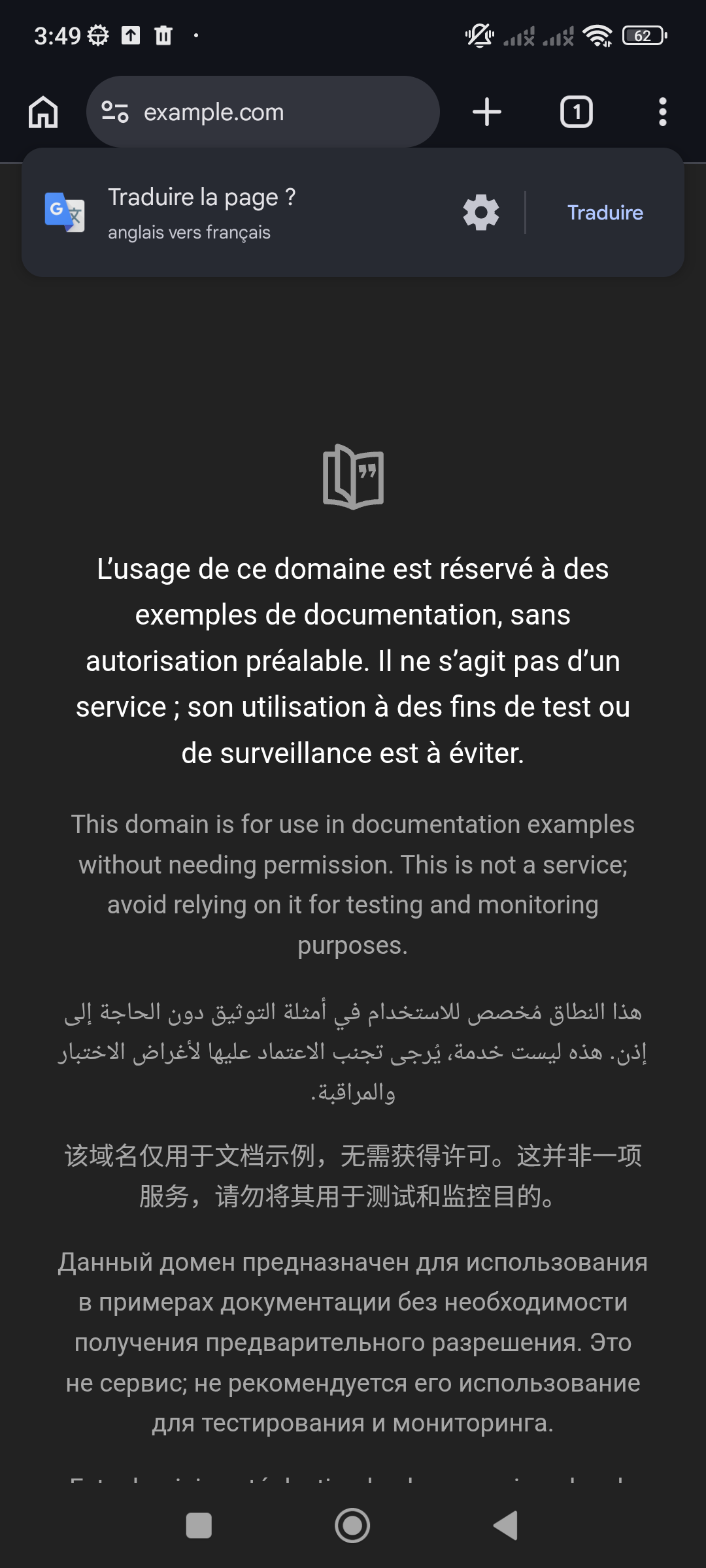
A real screenshot, taken on the fleet's Redmi.
An emulator renders your page the same way for everyone. A Redmi running MIUI does not render like a Samsung running One UI, and that is often where things break. Declic captures on real devices.
The response carries the screenshot, the video if you ask for it, the filtered Android log, and the specs of the device that ran it. Enough to reproduce, not just to observe.
Declic only exposes actions that can be undone: open a URL, install an APK, run a short sequence. There is no free `adb shell`, not even on a paid plan — that is what keeps a device healthy for the next customer.
Between two requests the device is reset. Apps installed by one customer do not spill over into the next.
An emulator shares your machine: the same fonts, the same WebView, the same network. The fleet's Redmi shares nothing with you — and that is exactly where your bugs live.
No, and it is not a temporary limitation. The API only exposes reversible actions so that a device cannot be left in an unusable state.
About six seconds for a simple page, more if the page is heavy or the queue is busy. Synchronous mode waits up to 60 seconds; otherwise the request runs asynchronously and you receive a signed webhook.
No. If the fleet is busy your request waits. We would rather make you wait than hand you a capture that does not match the hardware you targeted.
Wi-Fi is always available. 4G, 2G and 3G depend on the device: forcing a network is not guaranteed by every manufacturer, and when the measurement does not confirm the change the result says so instead of pretending.
A product that hides its limits wastes everybody's time. Here are ours, today.
Create an account, take a key, run your first test. It is free to start.